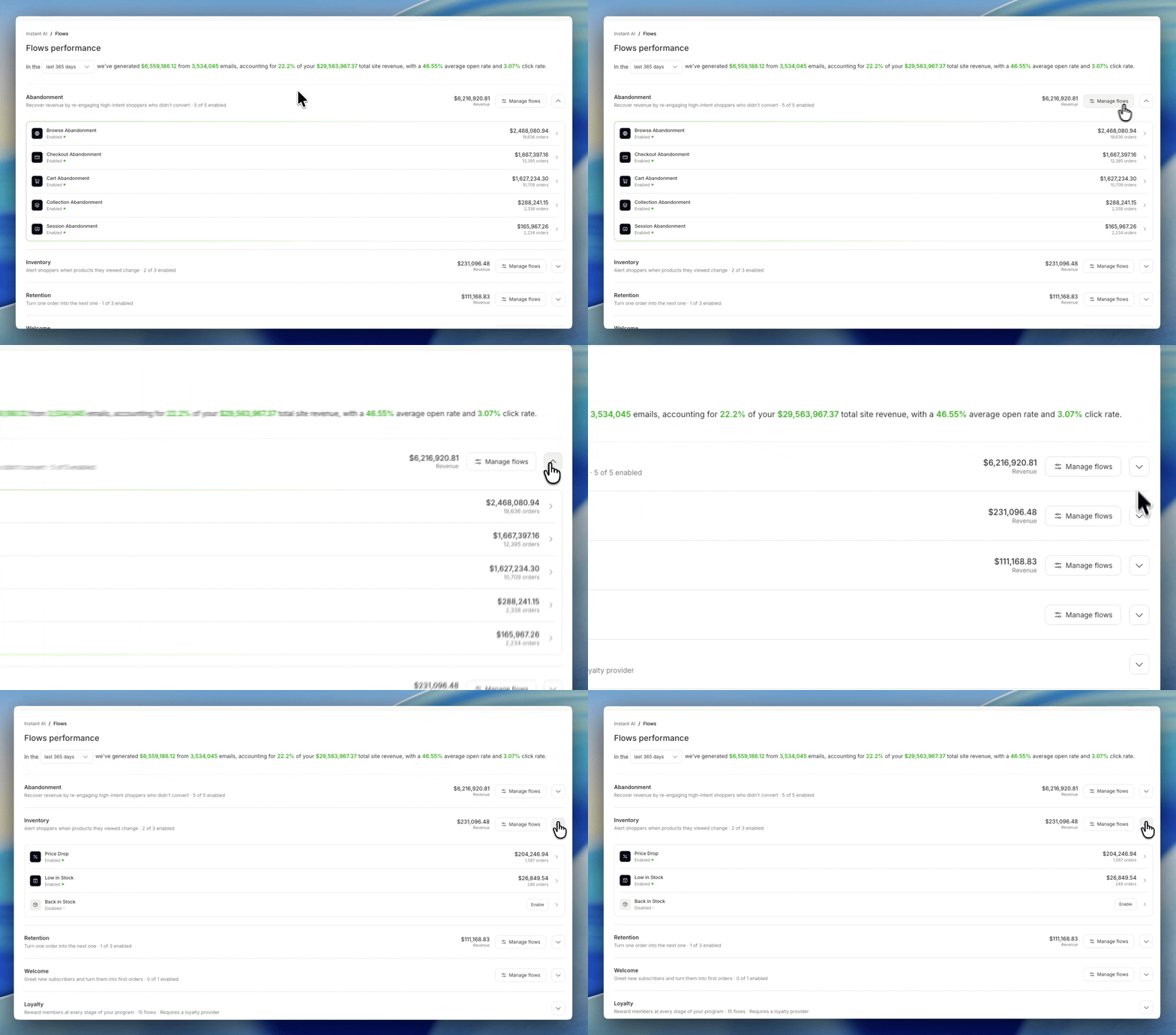
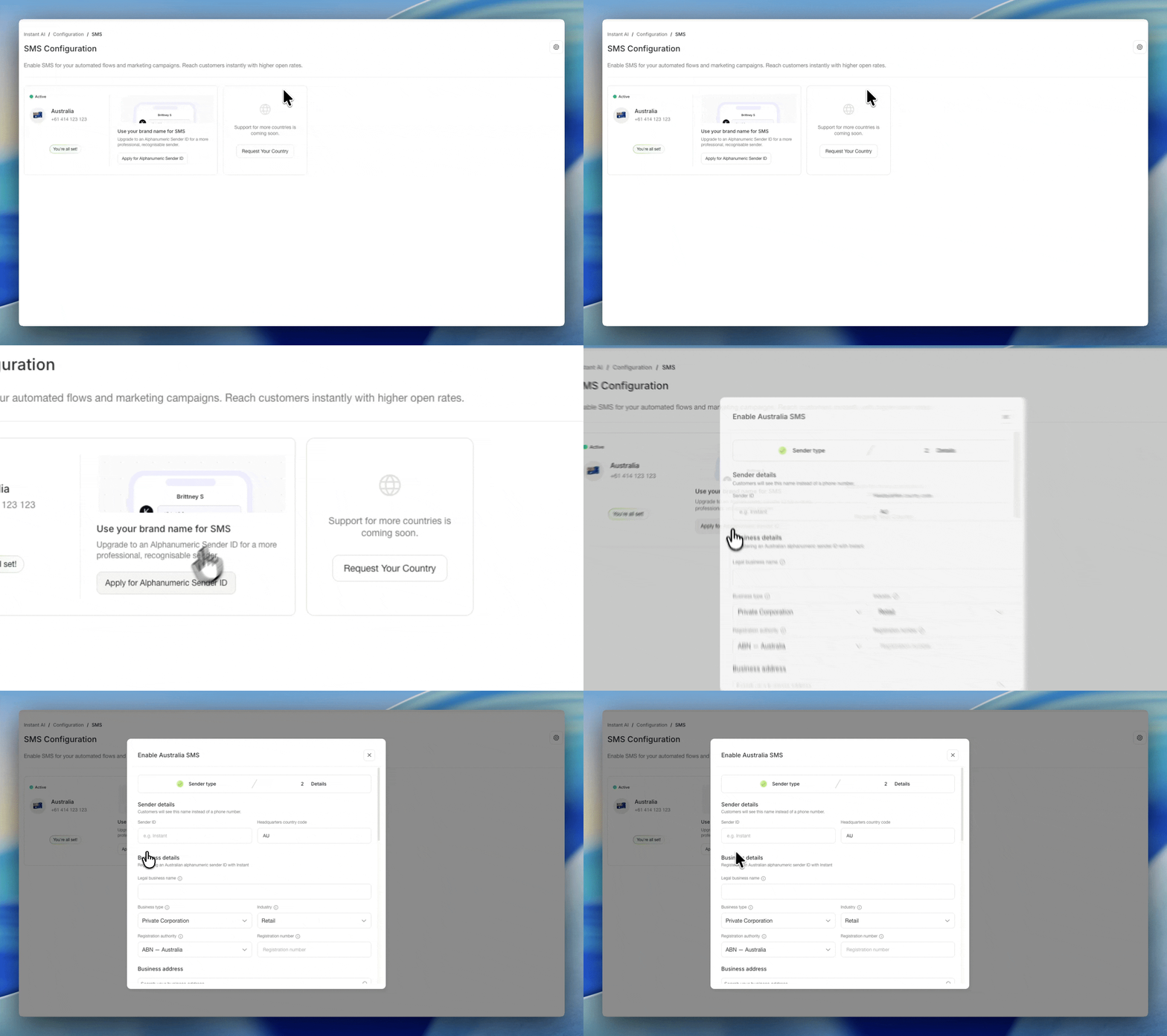
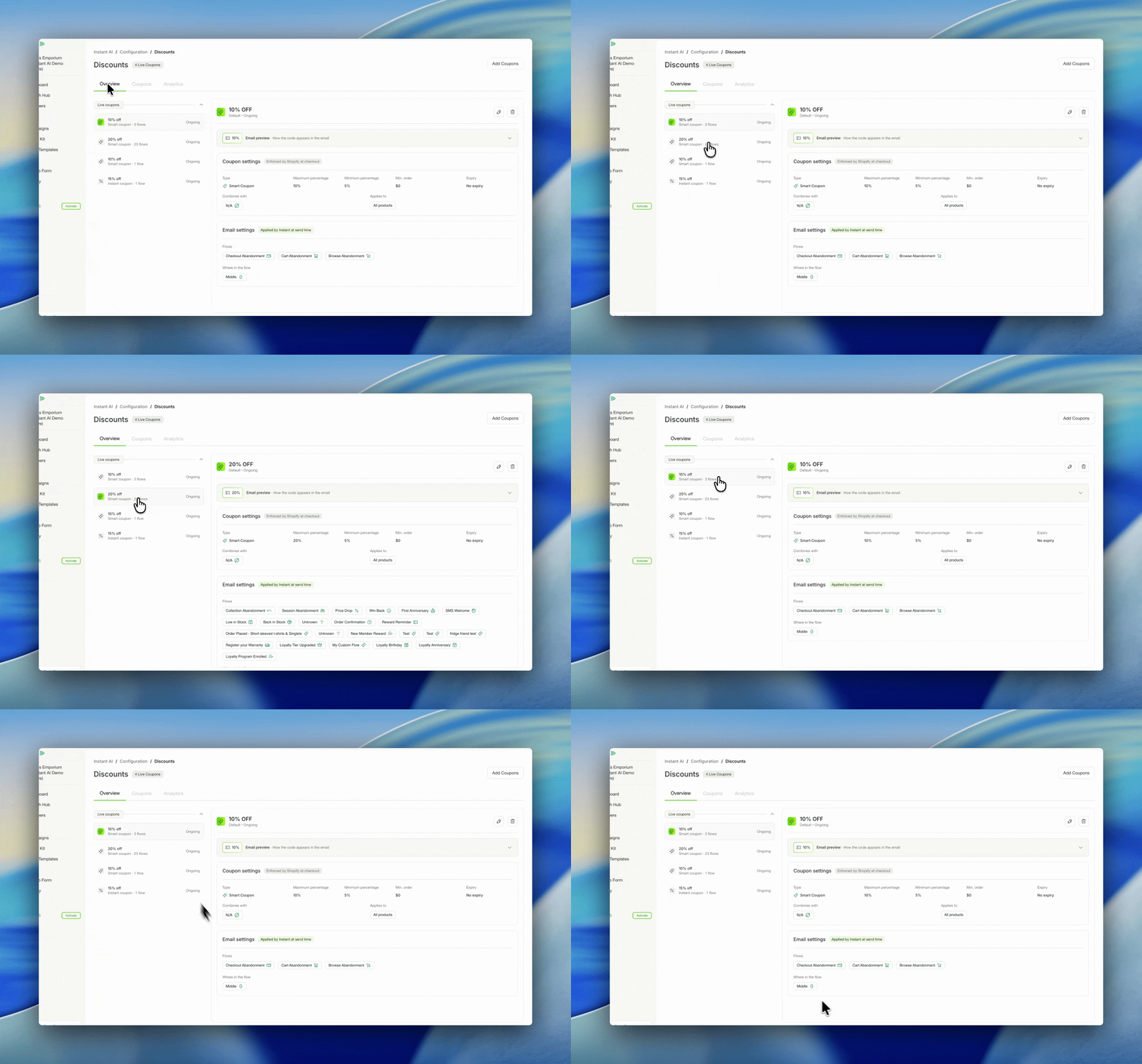
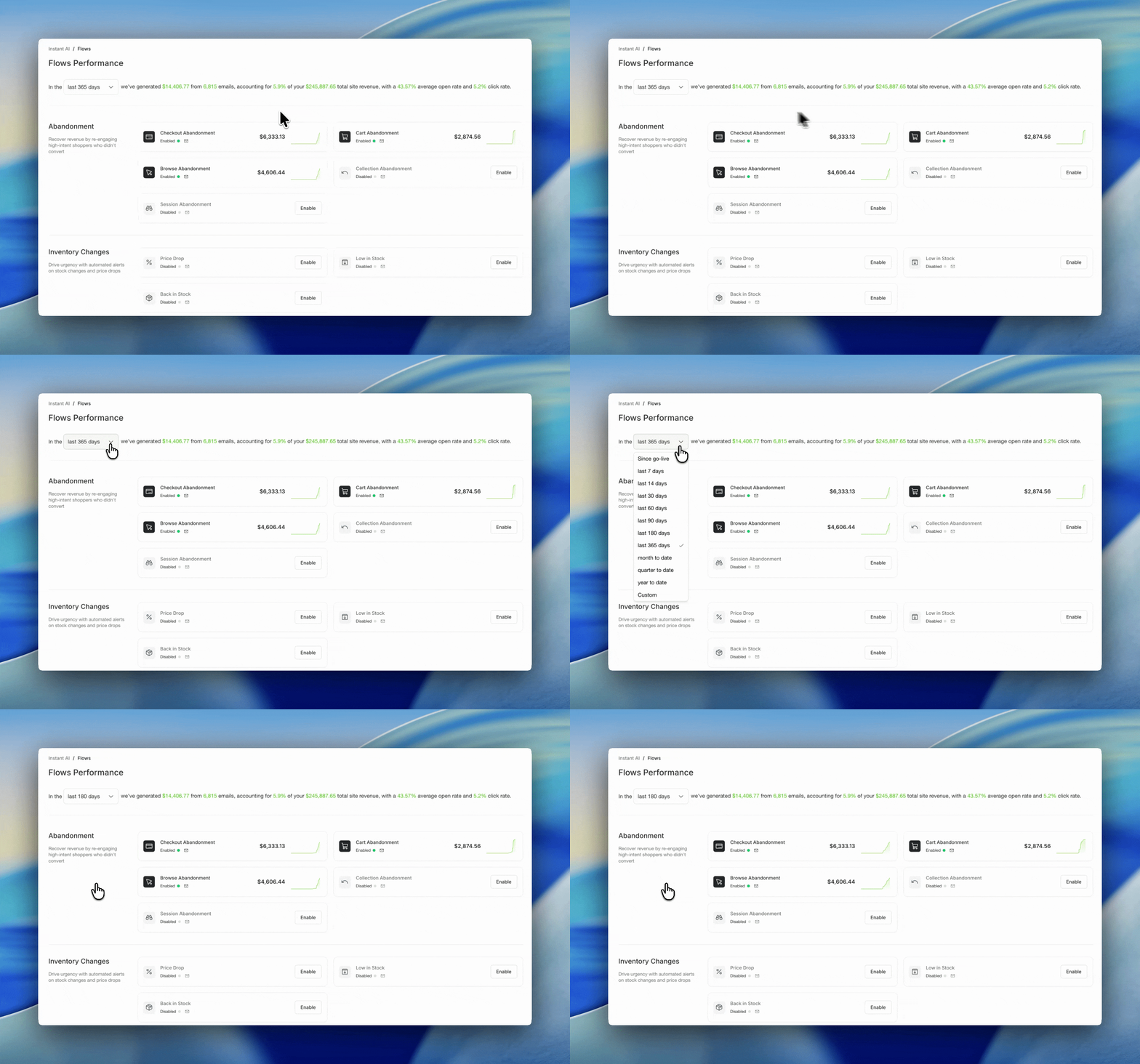
Flows10 Aug 2026
Custom flow improvements
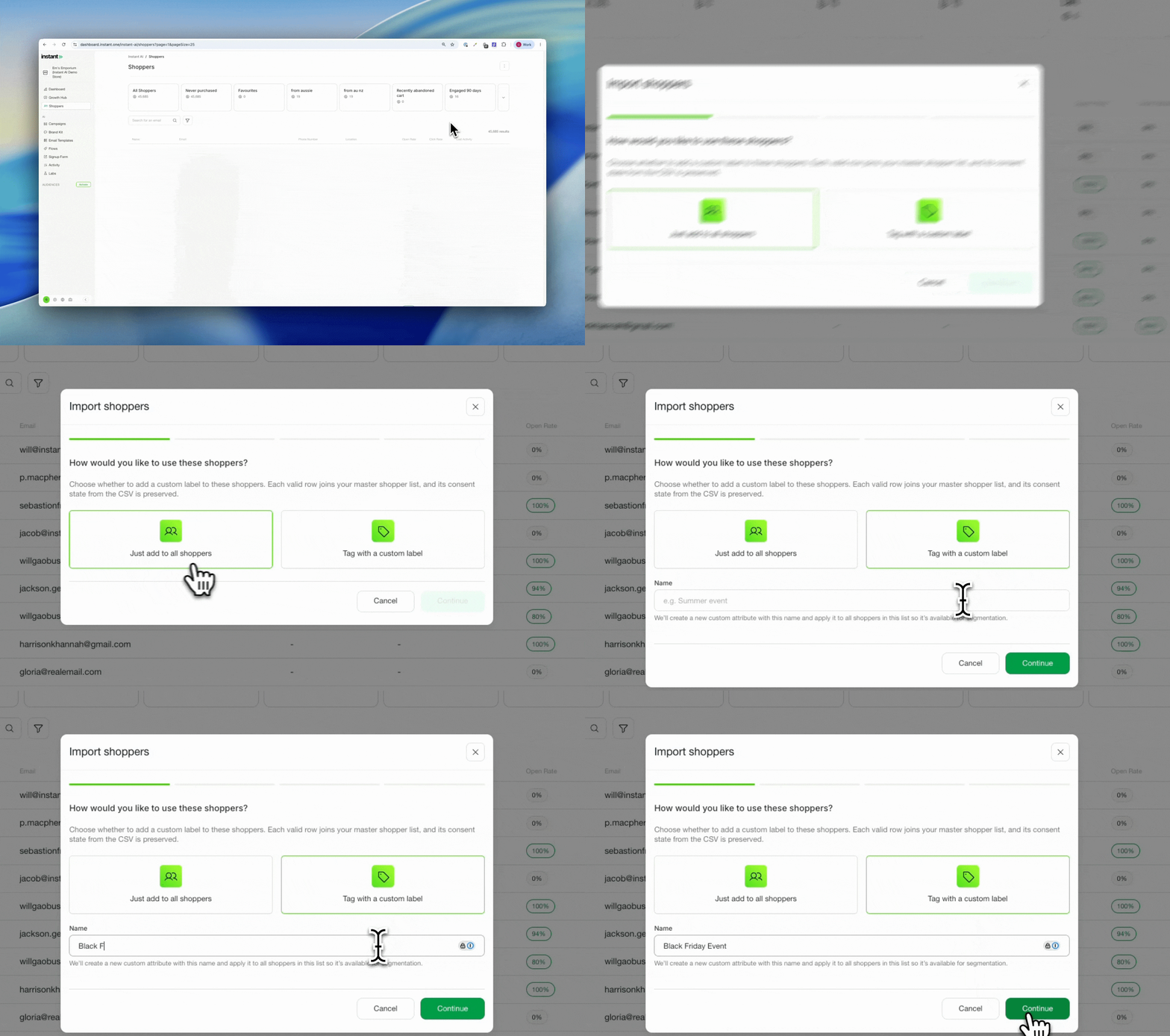
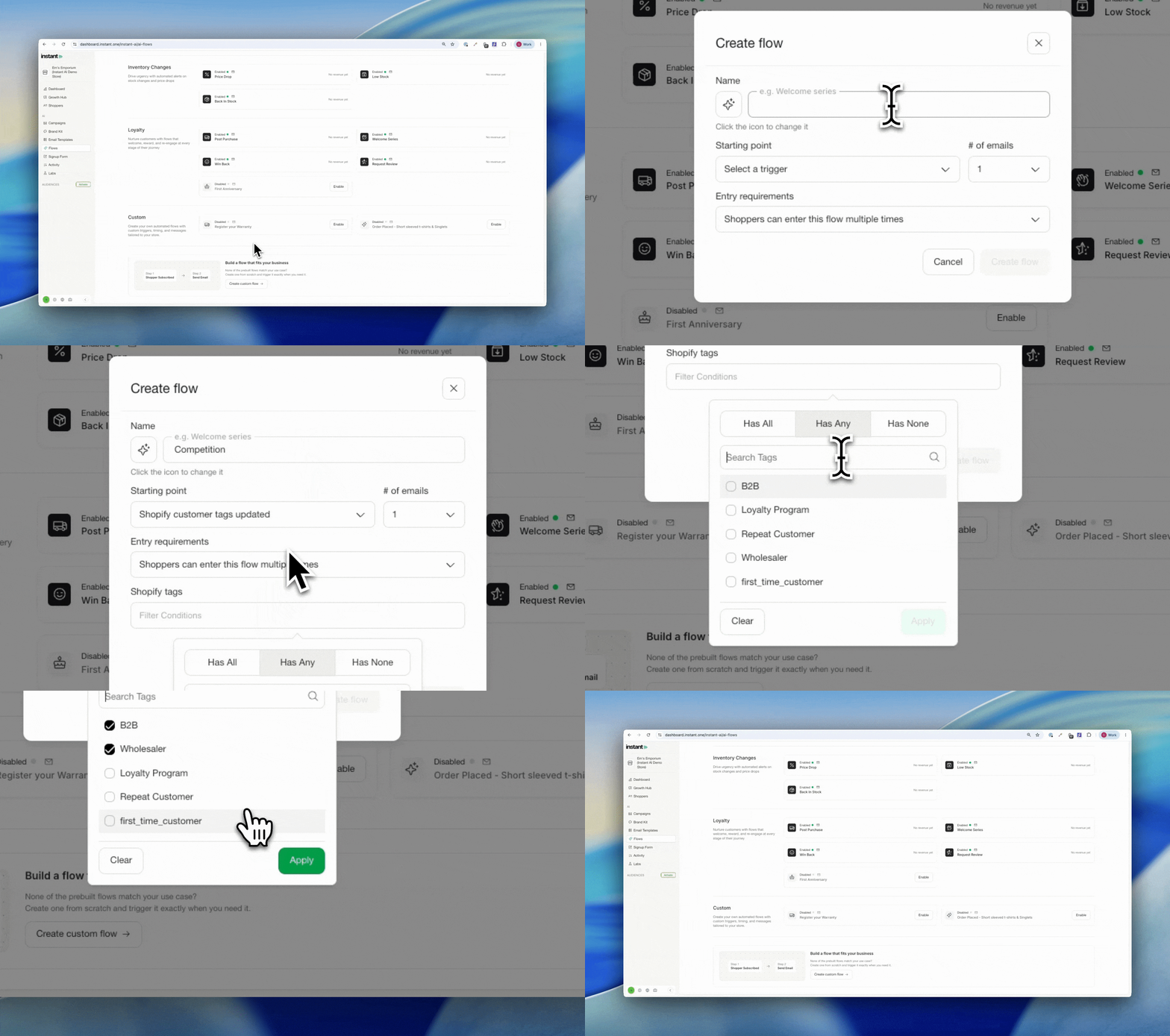
Trigger a custom flow automatically when a Shopify tag is added to a customer.
Some brands run a sale, waitlist, or promotion that only needs a flow for a short window, then take it down again. That kind of short-lived, custom automation was hard to manage before. Now you can add a Shopify tag to the right customers and trigger a custom flow off it, for exactly as long as you need it, without touching your core flows.
One brand recently shut their store for 48 hours and built a waitlist flow that captured everyone who submitted their email while the store was down. When they reopened, they sent a campaign to everyone carrying that tag: an on-demand announcement to a warm, ready audience of over 1,700 people. The same approach powers competitions too, like tagging 1 in every 100 entrants as a winner and triggering a flow just for them.
- Trigger a custom flow automatically when a specific Shopify tag is added to a customer
- Ideal for time-limited campaigns like a sale waitlist, a competition, or an event sign-up: apply a Shopify tag to the right customers and the matching flow enrols and sends
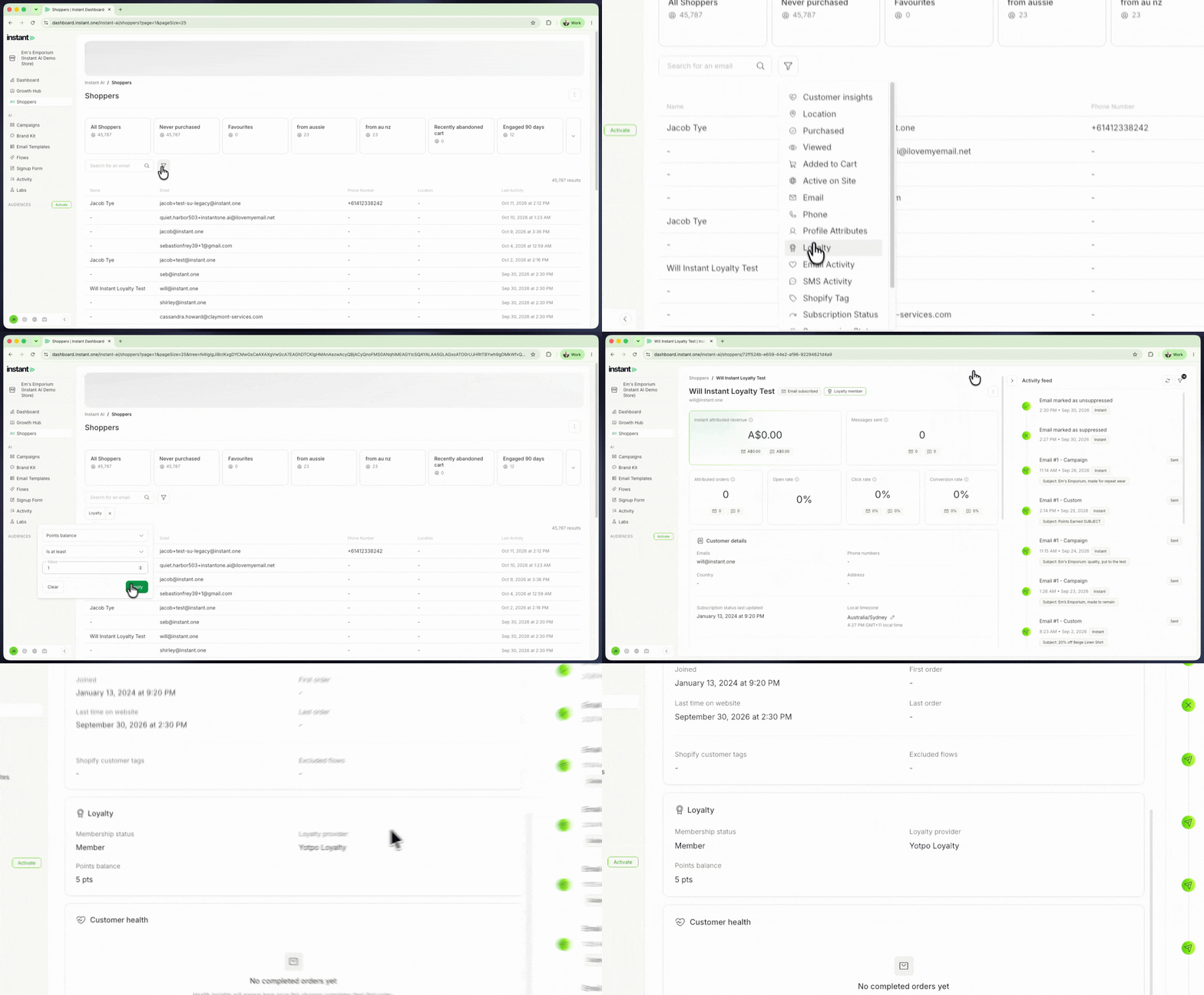
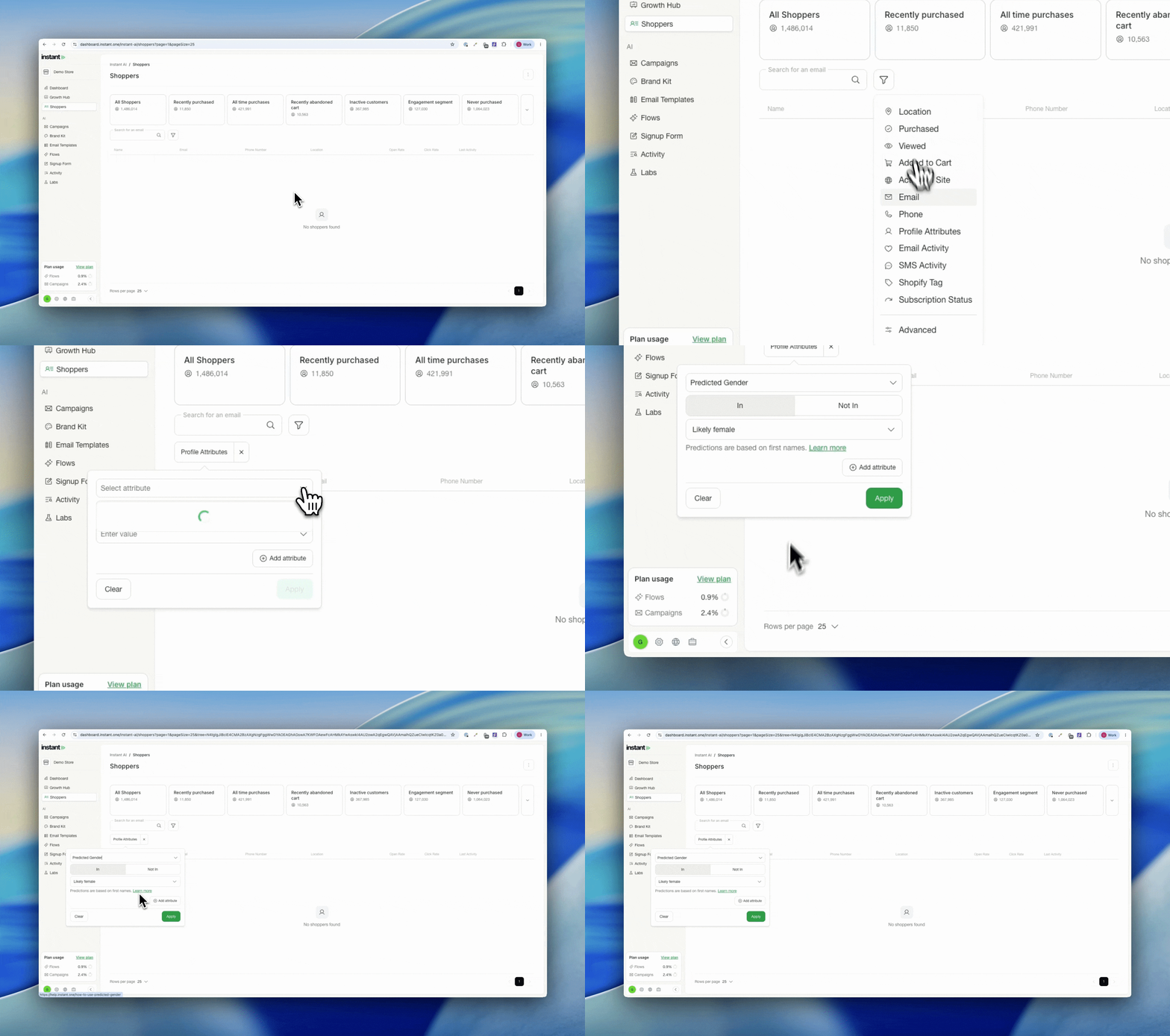
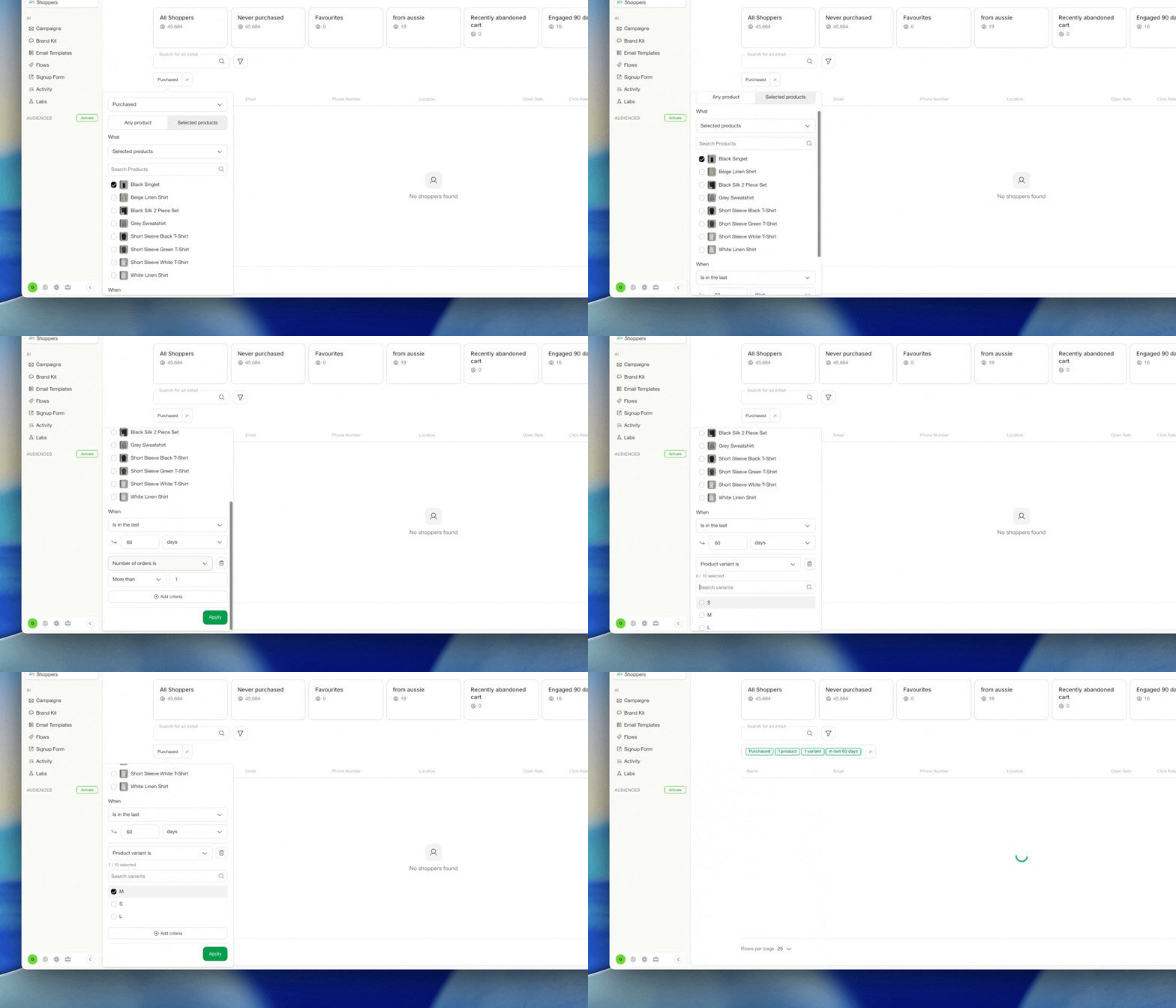
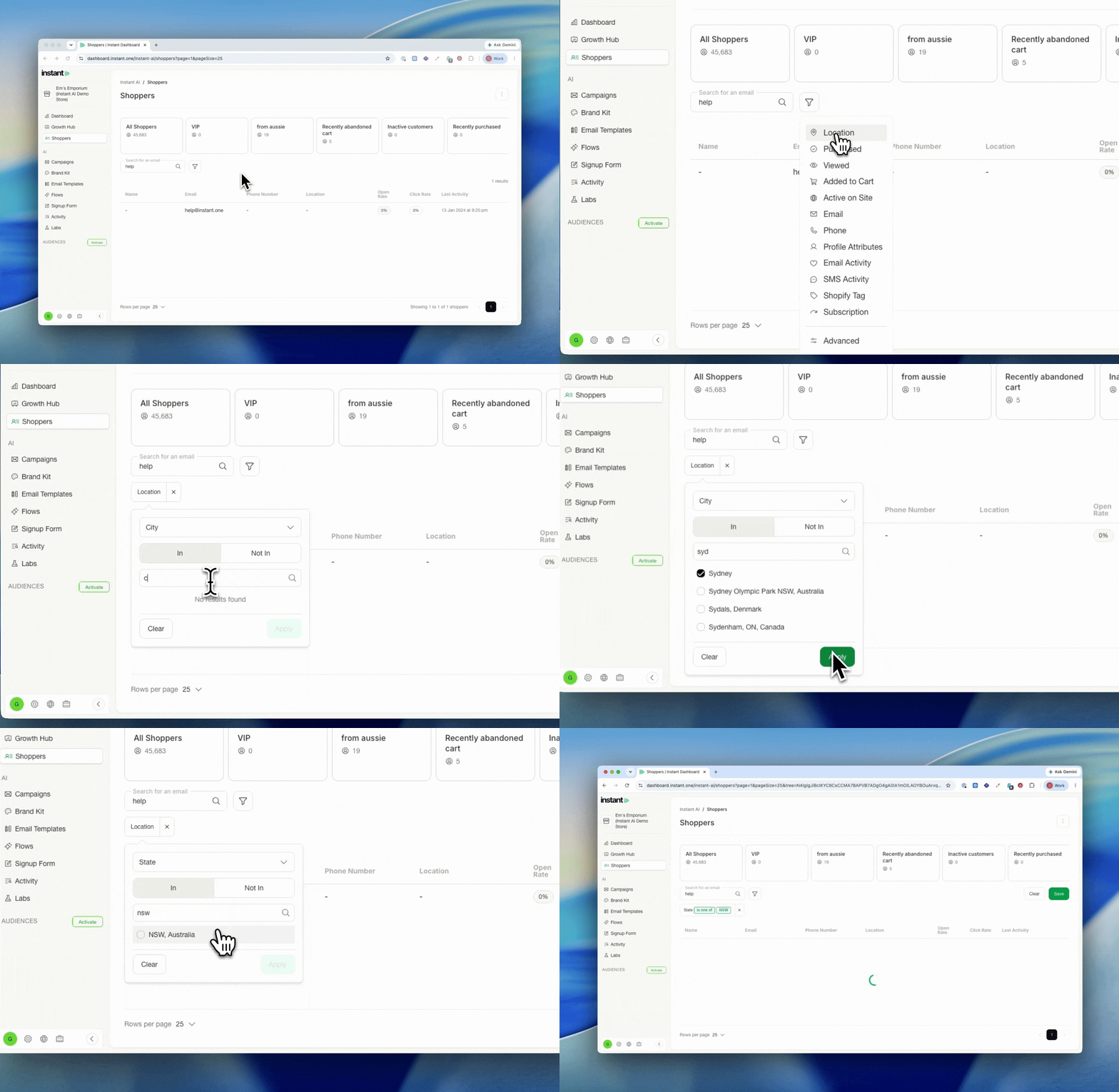
- Reuse the same tag for segmentation, so you can also send a one-off campaign to everyone carrying that tag (for example, the moment your sale goes live)
- Find it under Flows > Custom