

Show an email block on desktop or mobile only
Choose which blocks show on desktop and which show on mobile, so each email looks right on every screen.
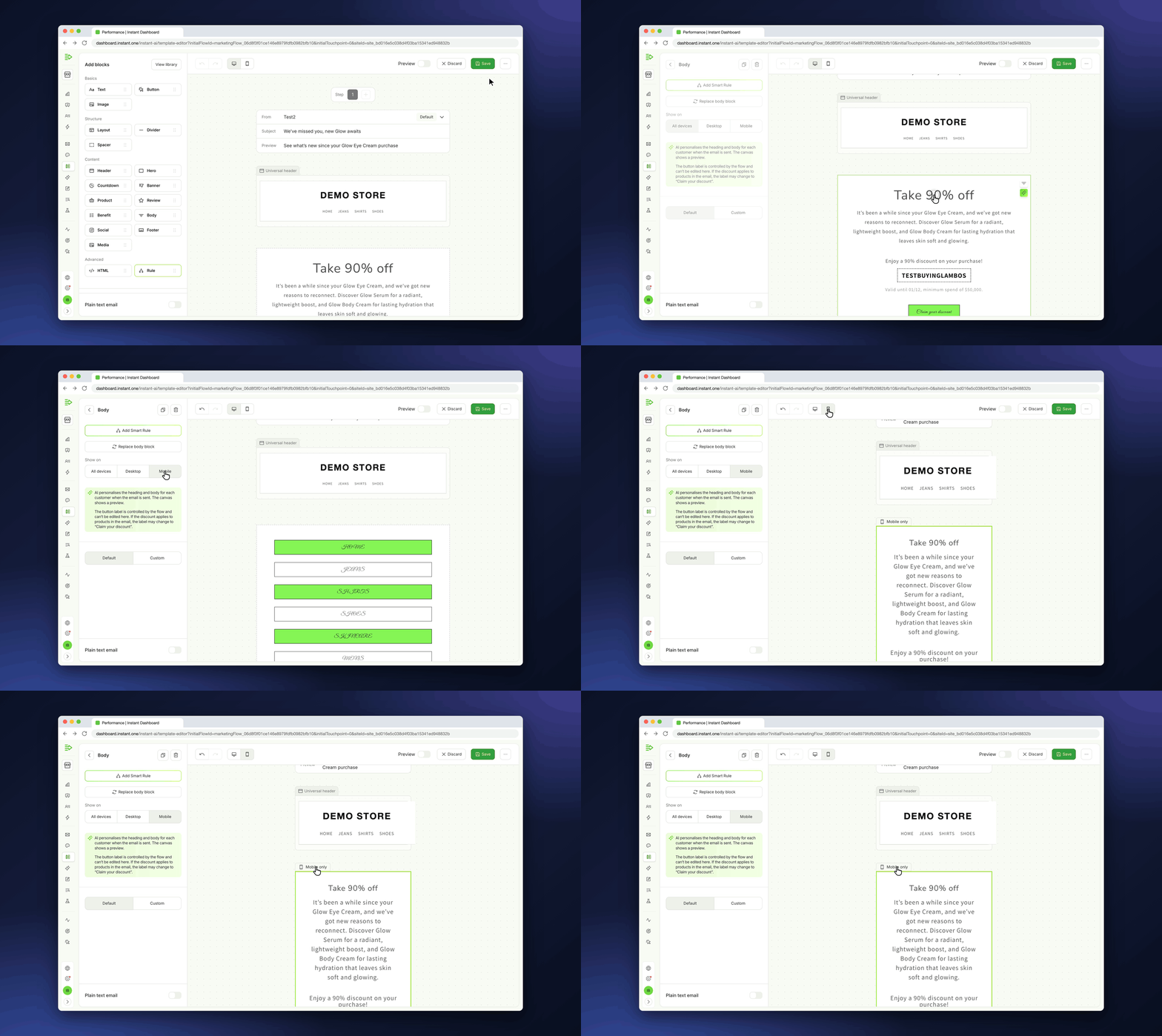
A layout that looks great on a laptop can feel cramped on a phone. Now you can give mobile readers their own version of a block, such as a shorter banner or a simpler footer, without building a second email.
- Set any block to show on all devices, desktop only or mobile only
- Switch between the desktop and mobile views to see exactly what each reader gets
- A small "Desktop only" or "Mobile only" label shows which blocks are limited to one device
- Find it in the email editor: select a block, then use "Show on" in its settings