

Quiz questions in sign-up forms
Add a quiz step to your sign-up form and save each shopper's answer to their profile.
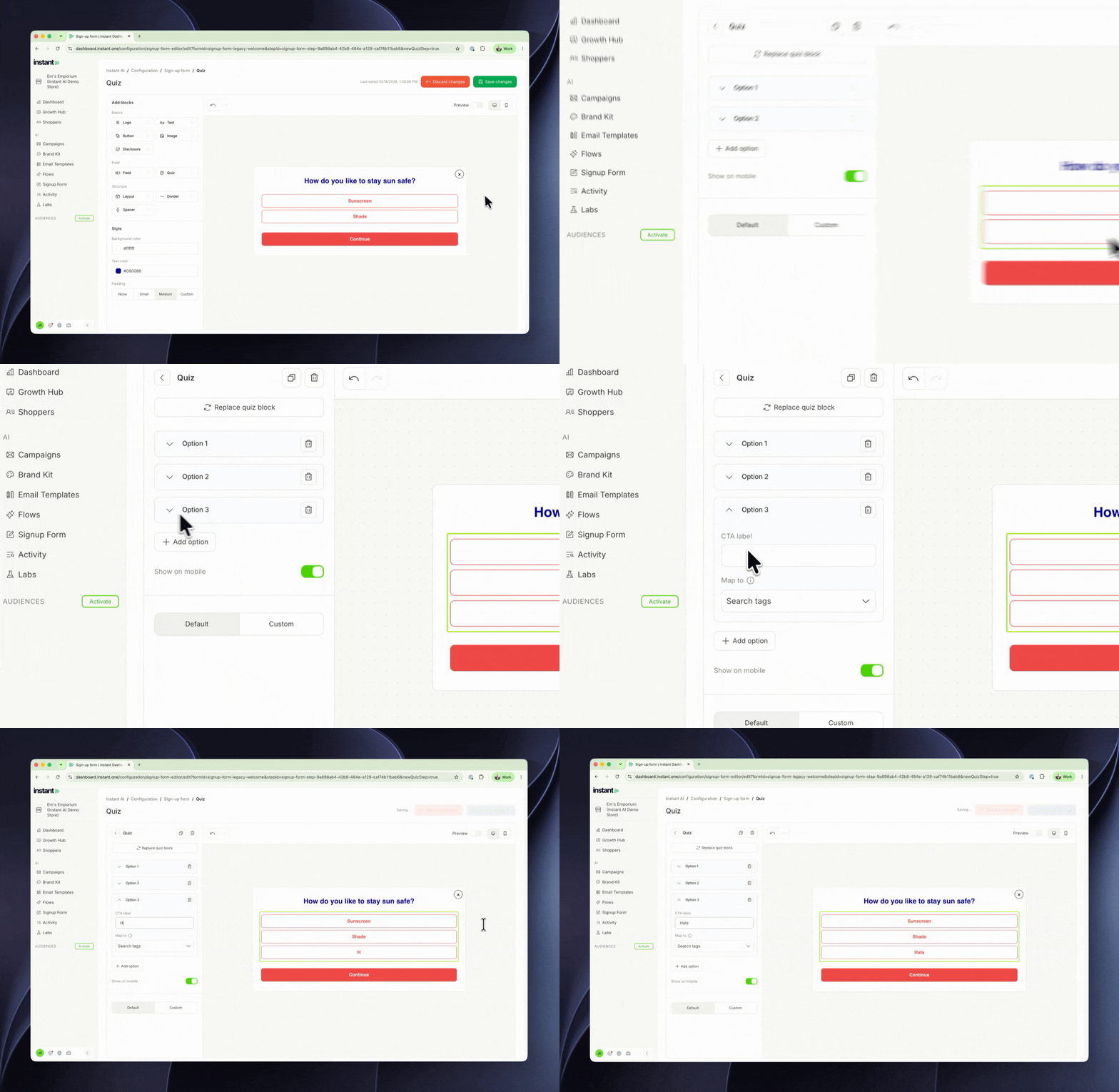
Because each answer can add a Shopify customer tag, you can use it straight away. Smart Rules and the Shopify Tag filter both work with those tags, so you can show different content to shoppers based on their answer, or build segments by answer. It also tells you what each new subscriber wants from day one. Ask "What's your biggest sleep concern?" or "Which brand are you shopping for?", and the answer is on their profile from the moment they sign up.
- Add a quiz step to your sign-up form with one question and 2 to 20 answers, and shoppers pick one
- Each answer saves to the shopper's profile as QUIZ_1 (and QUIZ_2, QUIZ_3 and so on if you add more quizzes)
- Give any answer a Shopify customer tag, so shoppers are tagged by what they pick
- Answers show as buttons in your Brand Kit colours, and you can change their alignment and width
- Find it under Signup Form > Template > Add quiz step, then use the arrows to move it to the step you want