

Style your product cards to match your brand
Make product cards look on-brand in every email: set fonts, sizes and colours, button style, and card spacing.
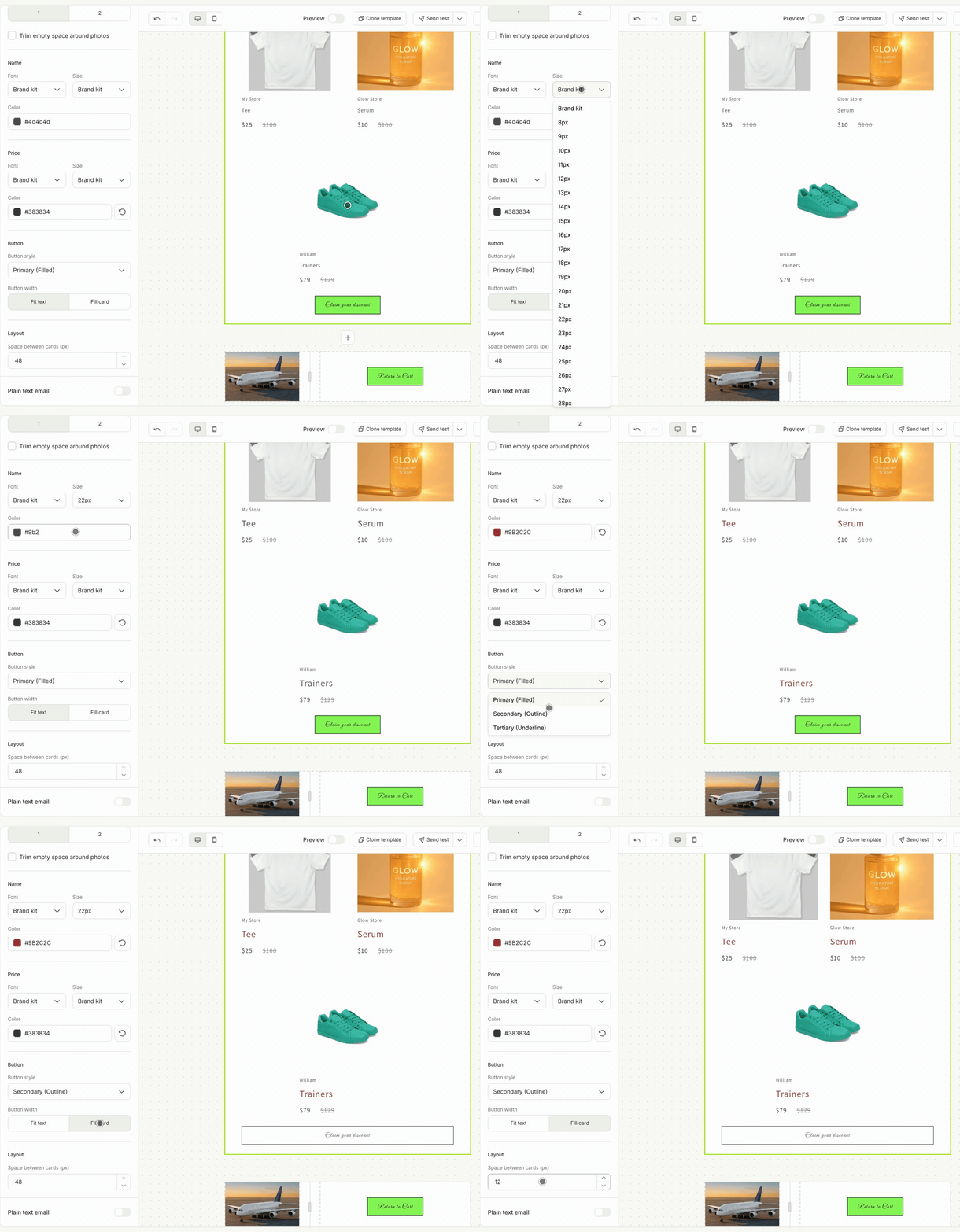
Product cards are where shoppers decide to click, so they should look like your brand, not a template. Now you can fine-tune the cards in each product block and see every change in the editor as you make it.
- Pick the font, size and colour of product names and prices
- Choose your Brand Kit's primary, secondary or tertiary button, and make it fit the text or fill the card
- Add more or less space between cards
- Find it in the email editor: select a product block → Custom → Name, Price, Button and Layout